How to catalogue your collection: spreadsheet, app or a BulgarianCoins profile
What to record for each coin, how to organise the inventory and why it matters for insurance, sale and inheritance
BulgarianCoins editorial team 2 min read
An inventory of the collection seems like a boring task. But it is exactly what answers the questions that come sooner or later: “Do I already have this coin?”, “How much did I pay?”, “What do I tell the insurer?” and “What will I leave to my children?”.
What to record for each coin
| Field | Example | Why it matters |
|---|---|---|
| Catalogue no. | BC-1985-01 | identifies the coin unambiguously |
| Face value and year | 5 leva 1985 | quick search |
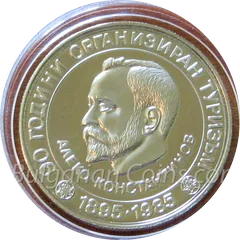
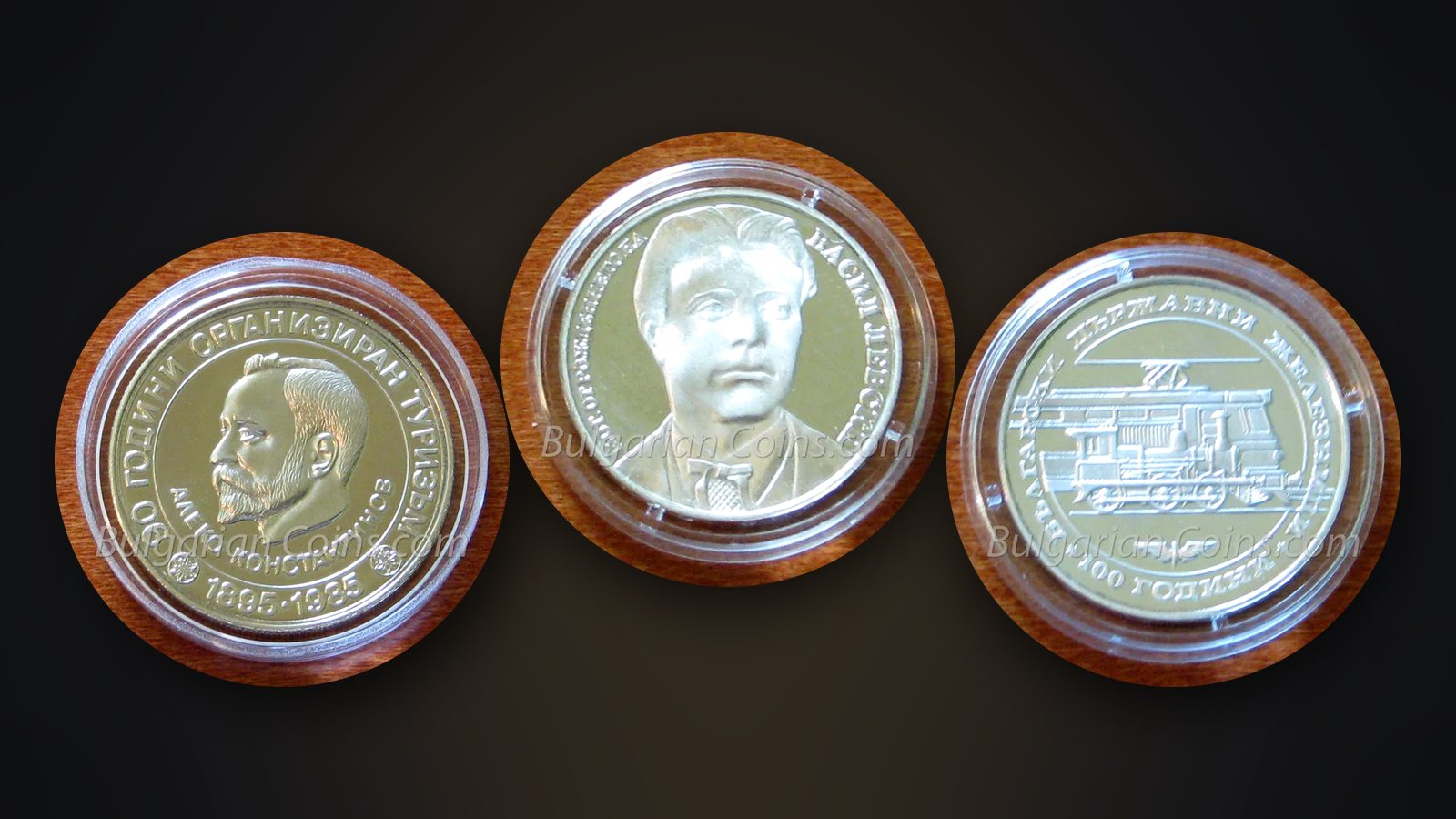
| Name | “Aleko Konstantinov” | for commemorative coins |
| Metal | CuNi (copper-nickel alloy) | metal value |
| Condition | UNC, proof, VF-30 | the basis of the price |
| Certificate | PCGS, slab number | verification and sale |
| Purchase | date, place, price | taxes, insurance, return |
| Location | album 2, page 4 | to find it |
| Photos | obverse and reverse | identification if lost |
| Notes | “from grandfather’s collection” | history and provenance |
Use the catalogue numbers
Every coin in the BulgarianCoins catalogue has a number in the form BC-YYYY-NN. Circulation coins from the old site’s archive have numbers BC-L…. The number is unique, even when one year has several coins of the same face value – for example the dozens of silver 10 leva. If you record the number, you can always open the coin’s page with its mintage, issue price, market prices and rarity score.
Spreadsheet
The simplest solution is a spreadsheet – Excel, LibreOffice or Google Sheets. Advantages: free, flexible, easy to sort and filter. Add a “Market price” column and update it once a year by looking at the coin’s page. Keep a copy of the spreadsheet outside your home – in the cloud or on a USB stick in the bank safe deposit box.
App
Specialised collector apps offer ready-made catalogues and photos. The problem is that Bulgarian coins, especially BNB commemorative coins, are often missing or contain errors. If you use such an app, check the data against our catalogue and the BNB website.
A BulgarianCoins profile
We are preparing a “My collection” feature – you will see the “+ Add to collection” button on each coin’s page. The idea is to mark the coins you have and see the approximate value at current market prices. Until the feature is active, a spreadsheet with catalogue numbers is the safest way – you will be able to import it later.
Photos and documents
Photograph every valuable coin on both sides, on a neutral background. How to do it with a phone – in How to photograph coins. Scan the BNB certificates and receipts. Name the files by catalogue number, for example “BC-1987-01-obverse.jpg”.
How often to update
Once a year is enough for most collections. Review the condition of the coins, replace the silica gel, update the prices and record new purchases. The inventory also helps with security – see Bank or home safe.